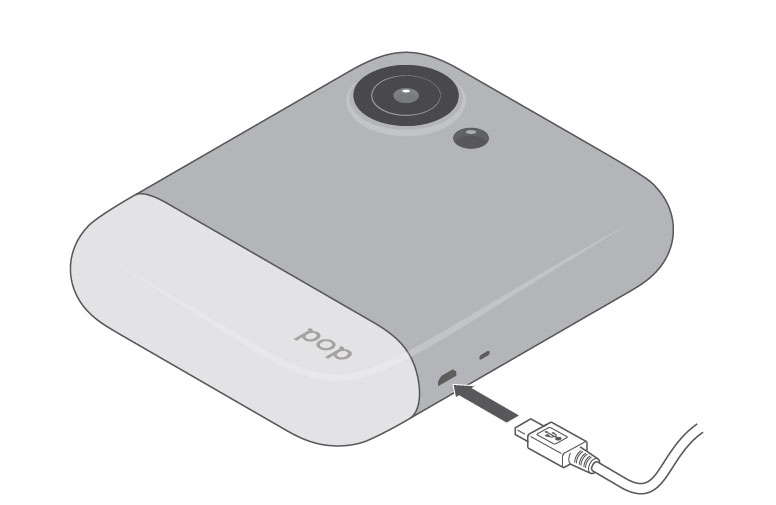
Step 1: Charge your camera-
Plug the cable into a 1amp charge block and into your camera. Make sure the cable is not pulled tight
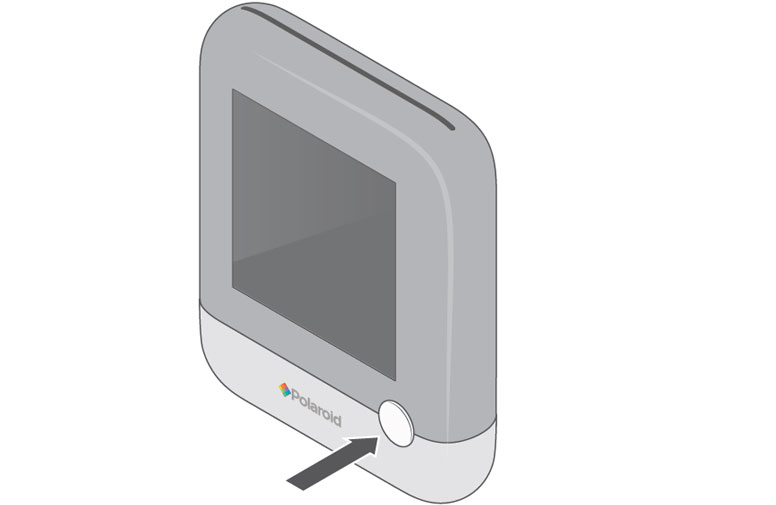
Step 2: Turn your camera on-
Press and hold the shutter button until the screen turns on.
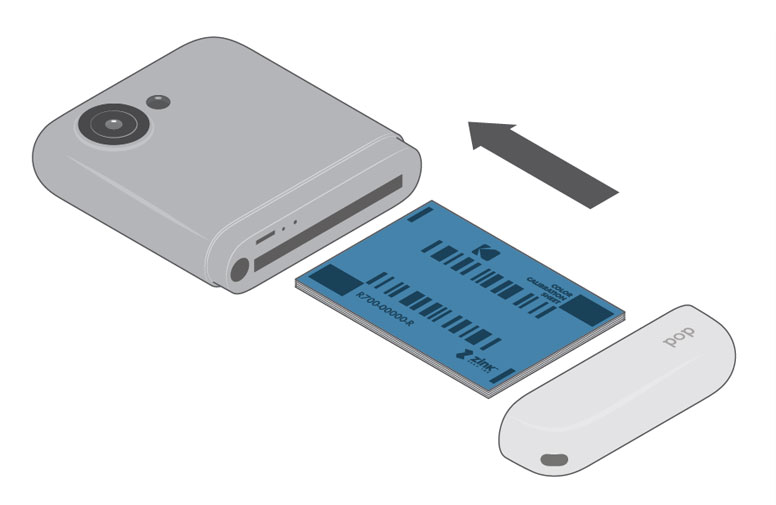
Step 3: Load Paper-
Remove the bottom and insert paper with the blue sheet on the bottom into the slot. Replace bottom of printer.
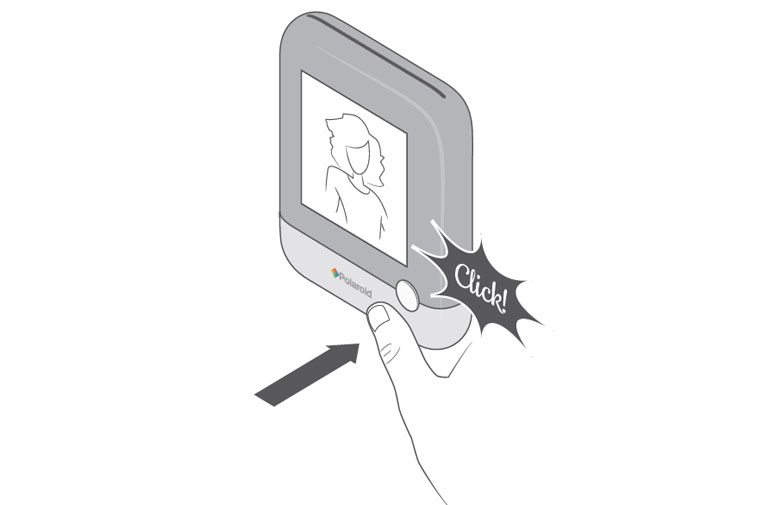
Step 4: Take a picture-
Hold the camera up and press the shutter button until you hear a click!